The 7 best Islamic apps in 2026
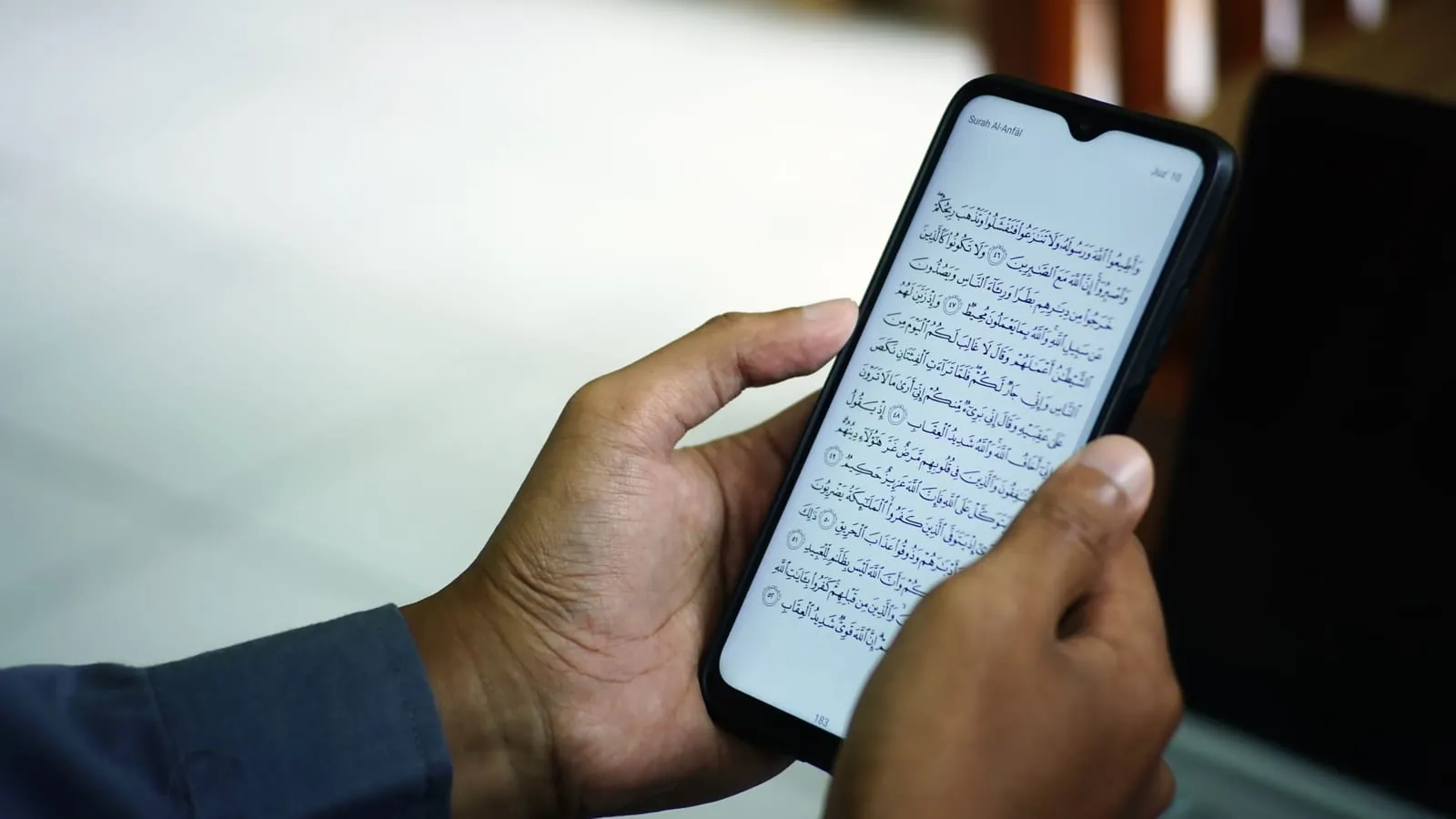
You go looking for an Islamic app and you find twenty-odd names, almost all of them well rated, all called essential. You install five, you open two, and a month later your screen is full of icons you never touch.
The question is the problem. “The best Islamic app” does not exist, because a prayer times app and a Quran memorisation app are not doing the same thing. The real question is what you want it to do.
Here are seven, one per need.
Kalimat keeps a reminder in front of you

Most apps wait for you to open them, which is exactly what you stop doing on a busy day. You keep it up for a few days, and then the app slips into the background.
Kalimat does the opposite, it comes to you.
You swipe. One text fills the screen, you read it, and the next flick brings another. Thousands of verses, hadith, duas, athar from the Companions, sayings of scholars, Arabic poems… and not a single ad. It is the gesture you already make a hundred times a day on social media. Except that here what you read does you good instead of emptying your head.
The widget stays on screen. It sits on the home screen on iPhone and Android, and on the lock screen if you are on iPhone. The text changes on its own through the day, so every time you check the time you read a reminder. A tap opens the full entry in the app.
Notifications come to you, at the moment you chose, even on the days you open nothing.
A reminder whose origin you do not know teaches you nothing. Every text therefore comes with what you need to check it.
- Its source and reference, every time.
- Its explanation, when it is a hadith or a saying.
- The tafsir and the circumstances of the revelation, when it is a verse.
- Collections by theme, patience, gratitude, family, marriage, work, money, health, repentance, death, the hereafter…
What it does not do. It is not a mushaf, you will not read a surah end to end in it. It is not a dhikr counter either, and it will not give you prayer times.
Quran by Quran.com puts the mushaf in your pocket

Quran.com is one of the largest Quran sites in the world, and the app is its phone version.
You read the Quran with the translation set beside the Arabic verse, and you pick your voice from dozens of reciters. The interface comes in fifteen languages.
Behind it stands Quran Foundation, a non-profit. No ads, no subscription, and none of that is coming later either, because nobody has money to make on it. More than 600,000 people have rated it on Google Play, and the average holds at 4.8.
What it does not do. It will not correct your recitation, and it will not explain the verses to you.
Mawaqit gives you your mosque’s own times

Mawaqit does not calculate the times, it displays your mosque’s own, iqamah included and not just the athan.
The gap is not theoretical. Every other app calculates its times, and each one picked its own convention. So two apps give you two different Fajr times in the same street on the same morning. A few minutes are enough to walk into the mosque late.
It is free, with no ads and no subscription, and it lives on donations from the people who use it.
More than twenty-five thousand mosques publish their timetable on it, across more than a hundred and sixty countries. Its publisher counts four million users on iPhone and Android. If your mosque has not joined yet, the app calculates the times itself, like all the others, so you lose nothing by trying.
You also get the athan in several voices, the qibla compass, the announcements of the mosques you follow, and a mosque search around you when you travel.
Tarteel listens to your recitation and corrects you

You hide the text, you recite from memory, and the app follows word by word. It stops you on a word you skipped, a wrong word or a wrong vowel. You tap the mistake and see, side by side, what you said and what the verse says.
It also remembers where you are, which surahs hold and which ones still need work. When you have been revising for months, that is exactly what you are looking for.
It is the only app here that corrects you. The others show you content.
What you should know before you start. Your recitation trains the model. Its privacy policy files that training under legitimate interest, next to error detection, and presents the recording itself as something you choose to do. Nothing is sold, but it is your voice that makes the tool better.
What it does not do. It checks the words, not the way you say them, so it does not replace a teacher who corrects your points of articulation and your tajwid. It will not teach you Arabic either, it checks what you recite, not what you understand.
Al Quran shows you the Quran word by word

Reading and studying are two different sittings. This is the one for studying.
Every verse opens into its words, and each word carries its root, its grammar and its meaning where it stands.
Behind that sit eight Arabic tafsirs, Ibn Kathir and at-Tabari among them, with i’rab and the occasions of revelation. Add more than 170 translations and tafsirs across sixty languages, and almost nothing is left to look up elsewhere.
It is ad-free, from the Greentech Apps Foundation. On Android it scores 4.9 from 400,000 reviews.
That word-by-word view is also the cheapest Arabic lesson you will ever get. You are reading the page anyway, and the same words come back on the next one.
Hadith Collection puts fifteen books in your pocket

It holds more than 41,000 hadith from fifteen collections, Bukhari, Muslim, an-Nasa’i, Abu Dawud, at-Tirmidhi, Ibn Majah, Muwatta Malik… It works offline and comes from the same foundation as Al Quran, without a single ad.
Search is the point here, because remembering half a hadith is normal.
Finding that half in a printed volume is an afternoon. Here it takes seconds. And it comes back with its book and its number, so you can quote it properly.
Dhikr & Dua covers the day, morning to night

It carries more than 500 duas and adhkar, each one filed under the occasion it belongs to. It comes from Life with Allah, a dawah initiative of Ummah Welfare Trust. It is free, with no ads and nothing to unlock.
Those categories are what make it usable, morning, evening, travel, distress, before sleeping… You do not search for anything, you just open the moment you are in.
Each entry carries its translation, its transliteration and the hadith it comes from, which is the line most dua apps leave out.
The recap
| What you are after | The app |
|---|---|
| A reminder with its source, without opening anything | Kalimat |
| Reading the mushaf, ad-free | Quran by Quran.com |
| The prayer times your imam set | Mawaqit |
| Being corrected when you recite | Tarteel |
| Studying a verse word by word | Al Quran |
| Looking a hadith up in seconds | Hadith Collection |
| The duas of the day | Dhikr & Dua |
So which one do you install first?
Take the one that answers what is missing today, not all seven.
If you miss prayers because you never have the exact time, that is Mawaqit. If you revise your Quran with nobody to listen, that is Tarteel. And if your days go by without you opening anything at all, take an app with a widget, Kalimat for instance.
The questions everyone asks
Can one app do everything?
Some try. They end up doing everything by halves, with ads to cover the cost.
How many should I install?
Three or four, as long as they do not do the same thing. If two of them overlap, you will open neither.
Do I have to pay?
None of them costs anything to download, and Mawaqit, Quran by Quran.com, Hadith Collection and Dhikr & Dua have nothing to buy at all. The other three offer in-app purchases, and the exact wording is on each card above.
Do they work on Android?
Yes, all seven.
Which one for someone starting out?
Mawaqit for the times, that is the most immediate need. Then Kalimat, whose widget puts a reminder back in front of you for the rest of the day without you having to think about it.
What if I get too many notifications?
Keep the widgets and turn the notifications off. You look at a widget when you want, a notification decides for you.
Install Kalimat today
Find Islamic reminders to read, understand and revisit every day, on iPhone as well as Android.